
Launch your first campaign
The whole process in the right order: domain, pages, campaign, ad link.
A campaign always goes live in the same order. Follow these five steps, the whole process, from zero to traffic reaching your offer.
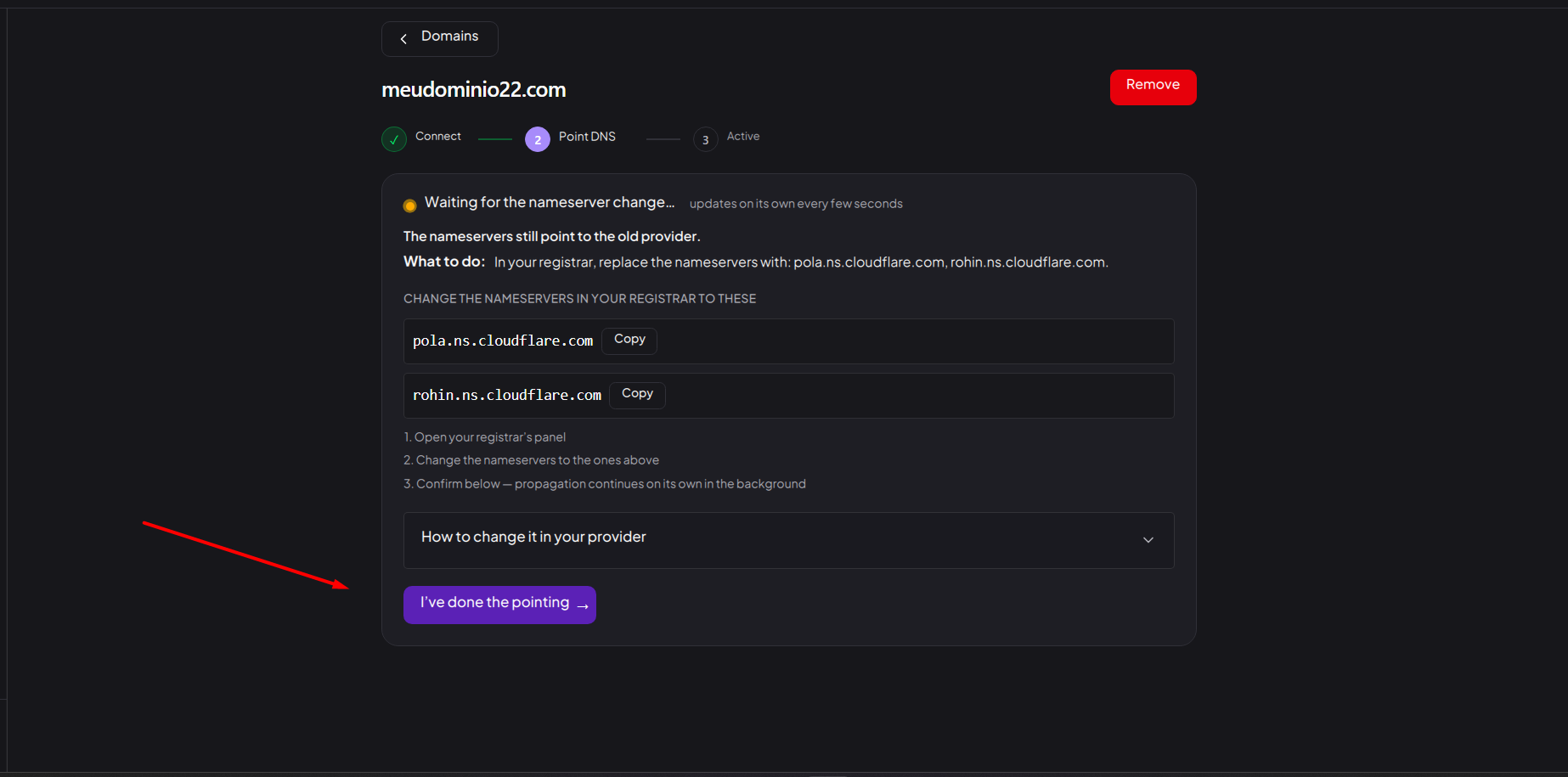
1. Connect your domain
In Domains, add your root domain and switch the nameservers at your registrar, following the panel. Do this first: the DNS change takes a while to propagate, so start it now and build the pages while it works. See Connect a domain and Point the DNS.
2. Create the White and the Black page
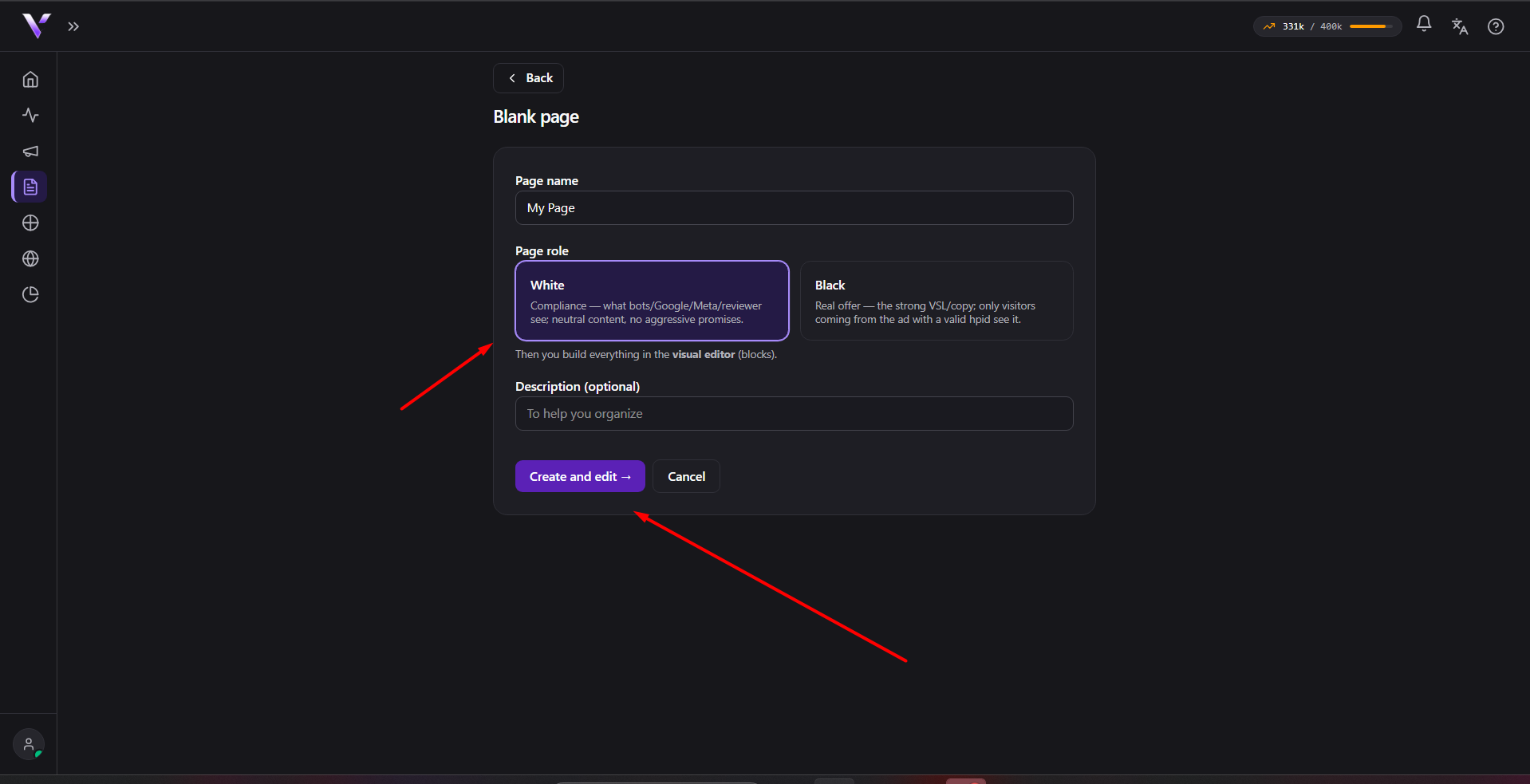
In Campaign Pages, build the two pages the cloaker chooses between:
- White: the safe page, shown to anyone not coming from your ad (including the ad platform's review).
- Black: your real offer, shown to the right audience arriving from the ad.
Start from scratch in the editor or clone one from a URL. See Create a page.
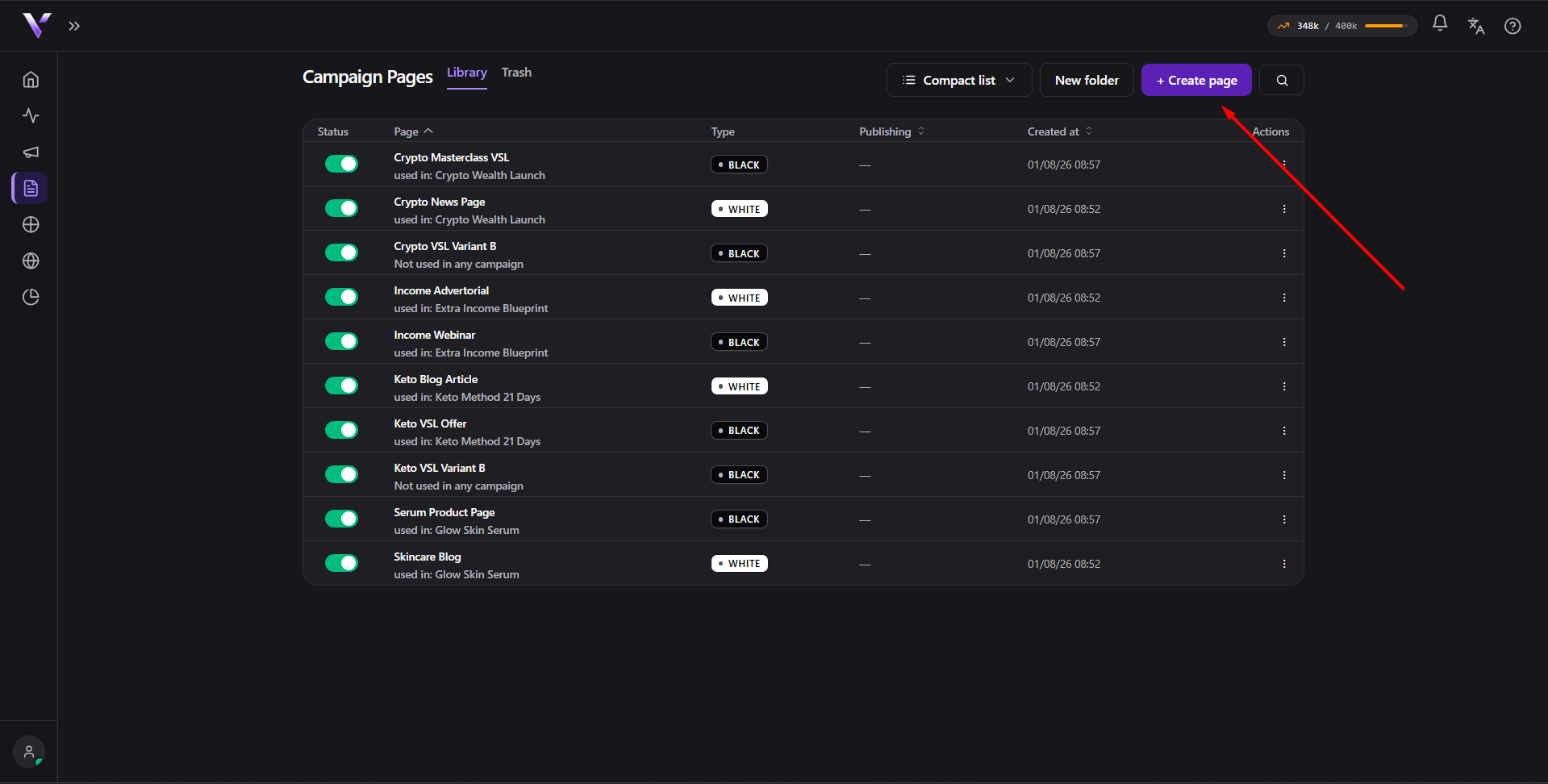
3. Publish both pages
A page is only served after it is published. Publish the White and the Black: a campaign won't run with an unpublished page. See Publish and trash.
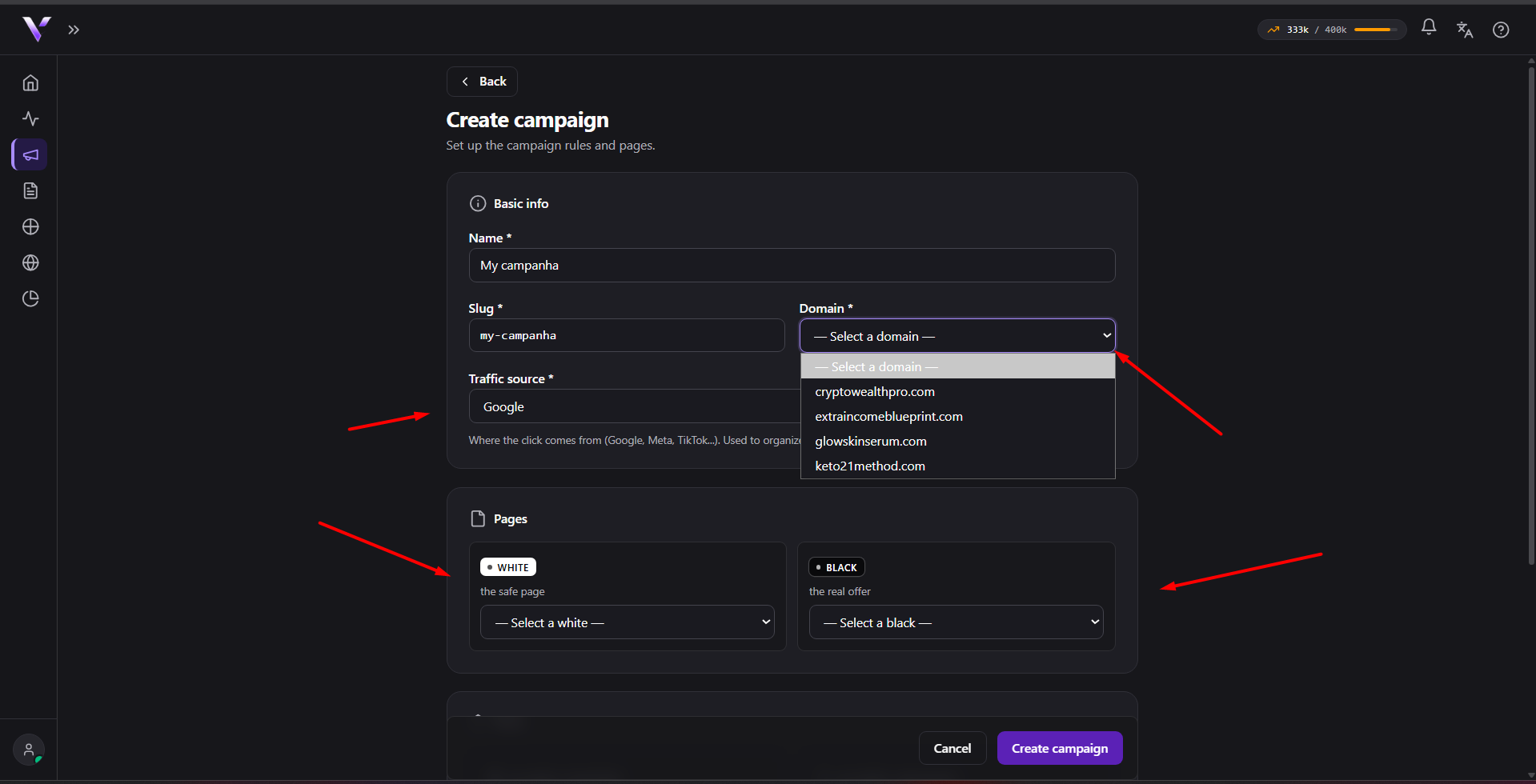
4. Create the campaign
In Campaigns, click Create campaign: pick the (Active) domain, link the White and the Black, and set the rules (allowed countries, languages, devices). See Create a campaign.
5. Copy the ad link
This is the step that actually puts the campaign in the air. On the campaign's page, the URL to put in the ad shows two values to copy:
- Final URL:
https://your-domain.com/your-slug, goes in the ad's Final URL field. - Final URL suffix:
hpid=<hash>, goes in the ad's Final URL suffix field.
The hpid is what tells Vellar the visitor came from your ad and releases
the Black. Without it, the visit gets the White. Every ad needs both
fields filled in.
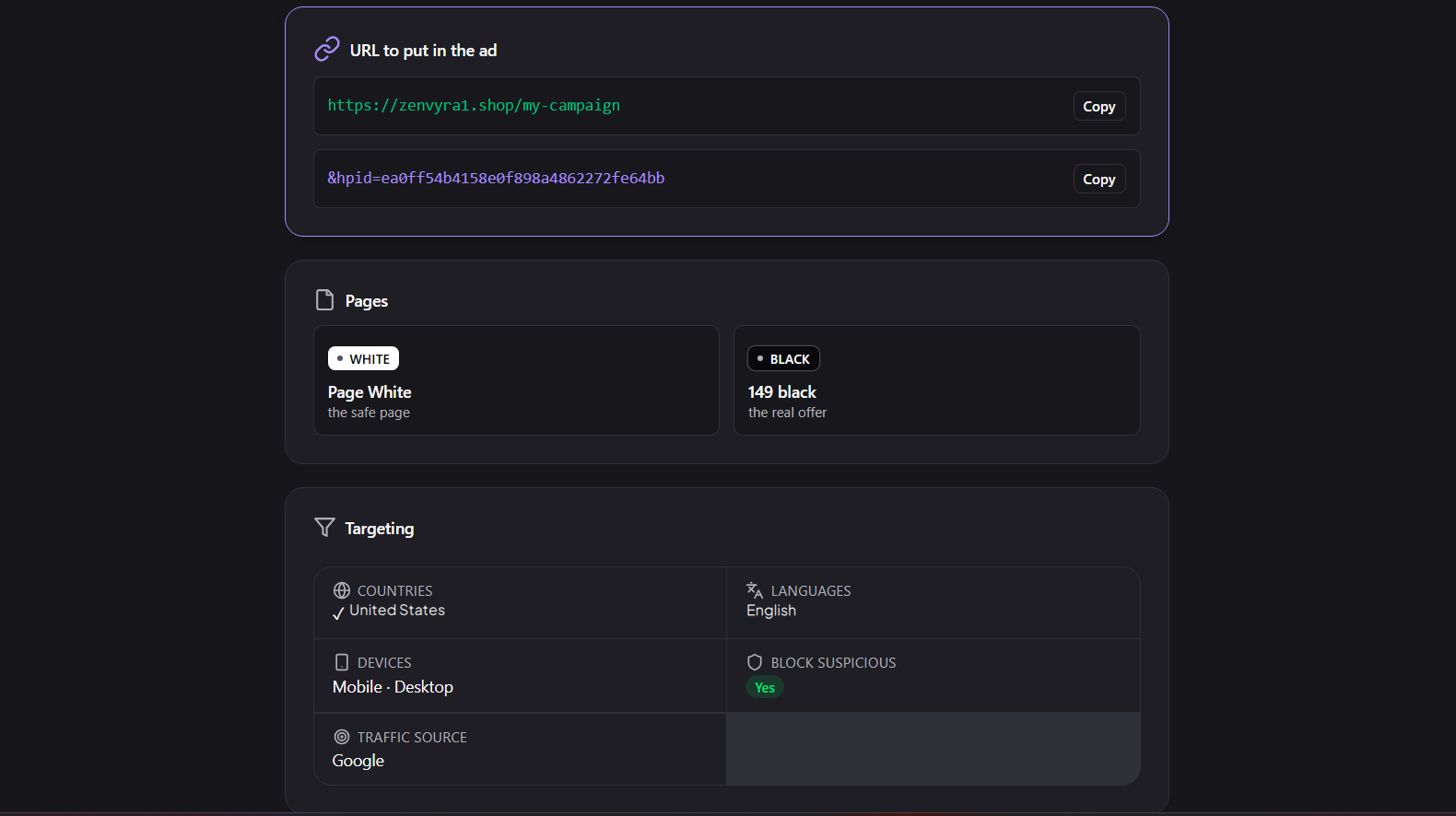
Done: your campaign is live.
Common issues
- I built everything but no traffic reaches the offer. You probably skipped
step 5. The offer (Black) only shows when the ad carries the
hpidsuffix. Copy both fields from the campaign's page. - "The domain must be active to receive campaigns." Wait for the domain to reach Active before it can serve. See Activation and SSL.
- I just want a page on my domain, without all this. Then you don't need a campaign. Use a Domain Page: no White/Black, no quota.
Protect your campaigns with Vellar
Build the page and choose how to publish it: protected for paid traffic, or open for anything else.
See how it works