
What is Vellar
What Vellar does and the two ways to use it.
Vellar is where you run paid-traffic funnels on your own domain and follow the results, all in one panel.
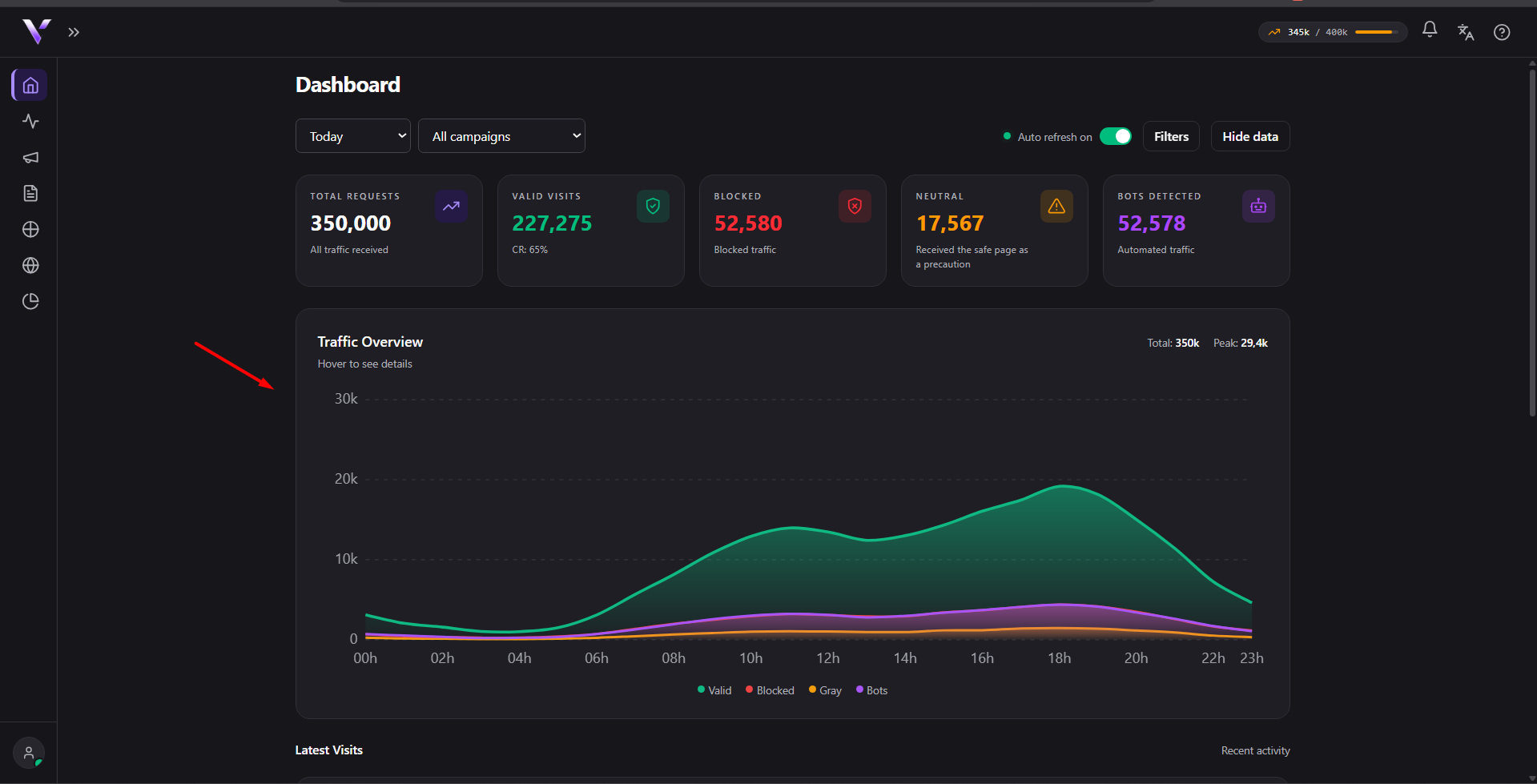
Two ways to use it
Every page you publish goes on your domain, and you choose one of two ways. This is the core idea of Vellar:
1. Campaign: with the cloaker. A campaign shows the right page to each visitor: a safe page (White) for anyone who isn't coming from your ad (including the ad platform's review), and your real offer (Black) for the right audience arriving from the ad. This is the cloaker: it's what protects your offer. Campaign traffic counts against your monthly quota.
2. Domain Page: without the cloaker. A domain page is published straight to the domain, with no White/Black decision: every visitor sees the same page. Use it for anything that doesn't need cloaking: a normal landing page, a link-in-bio, a thank-you page. Domain pages don't consume any quota. See Domain Pages.
The areas of the panel
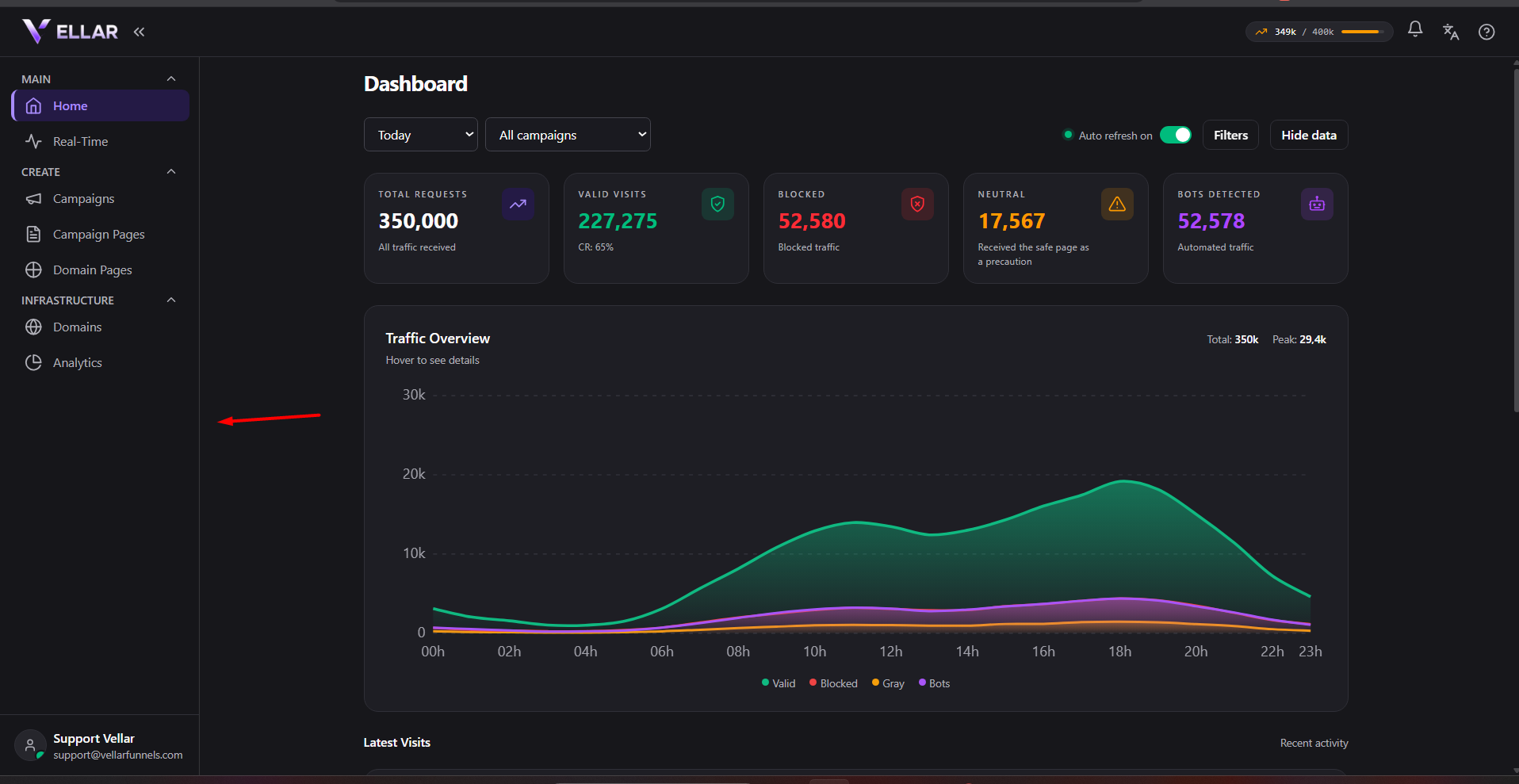
- Home: the traffic indicators for the period.
- Real-Time: who is on your pages right now (both campaign Black pages and domain pages).
- Campaigns: create and manage campaigns (the cloaker flow).
- Campaign Pages: build and edit the White and Black pages in the visual editor.
- Domain Pages: build and publish pages without the cloaker.
- Domains: connect the domain that serves everything.
- Analytics: the full report, valid visits, blocks, bots and where each visit comes from.
Settings (your data, panel language, security and sessions) and Plan & billing (your plan, limits and the month's usage) live in your avatar menu, at the bottom of the side menu.
New here? Follow Launch your first campaign. It walks the whole process in the right order.
Common issues
- I logged in and the panel is empty, no numbers. That's expected while no campaign is running: Home reflects the traffic of your active campaigns. Start with Launch your first campaign.
- Do I always need a campaign? No. If you just want a page live on your domain, without the White/Black decision, use a Domain Page: it doesn't use any quota. See Domain Pages.
- I can't find Settings or my plan in the side menu. Those two don't have their own icon: open your avatar menu, at the bottom of the side menu.
Protect your campaigns with Vellar
Build the page and choose how to publish it: protected for paid traffic, or open for anything else.
See how it works