
Activation and SSL
What the domain statuses mean and how long to wait for SSL.
After confirming with I’ve done the pointing → (see Point DNS / nameservers), the domain goes through a few statuses until it is ready:
- Pending: the domain was added, but the nameserver change hasn't been confirmed or detected yet.
- Verifying: the pointing was confirmed and validation is under way.
- Active: the domain can already serve your campaigns and pages, with the padlock (HTTPS) active.
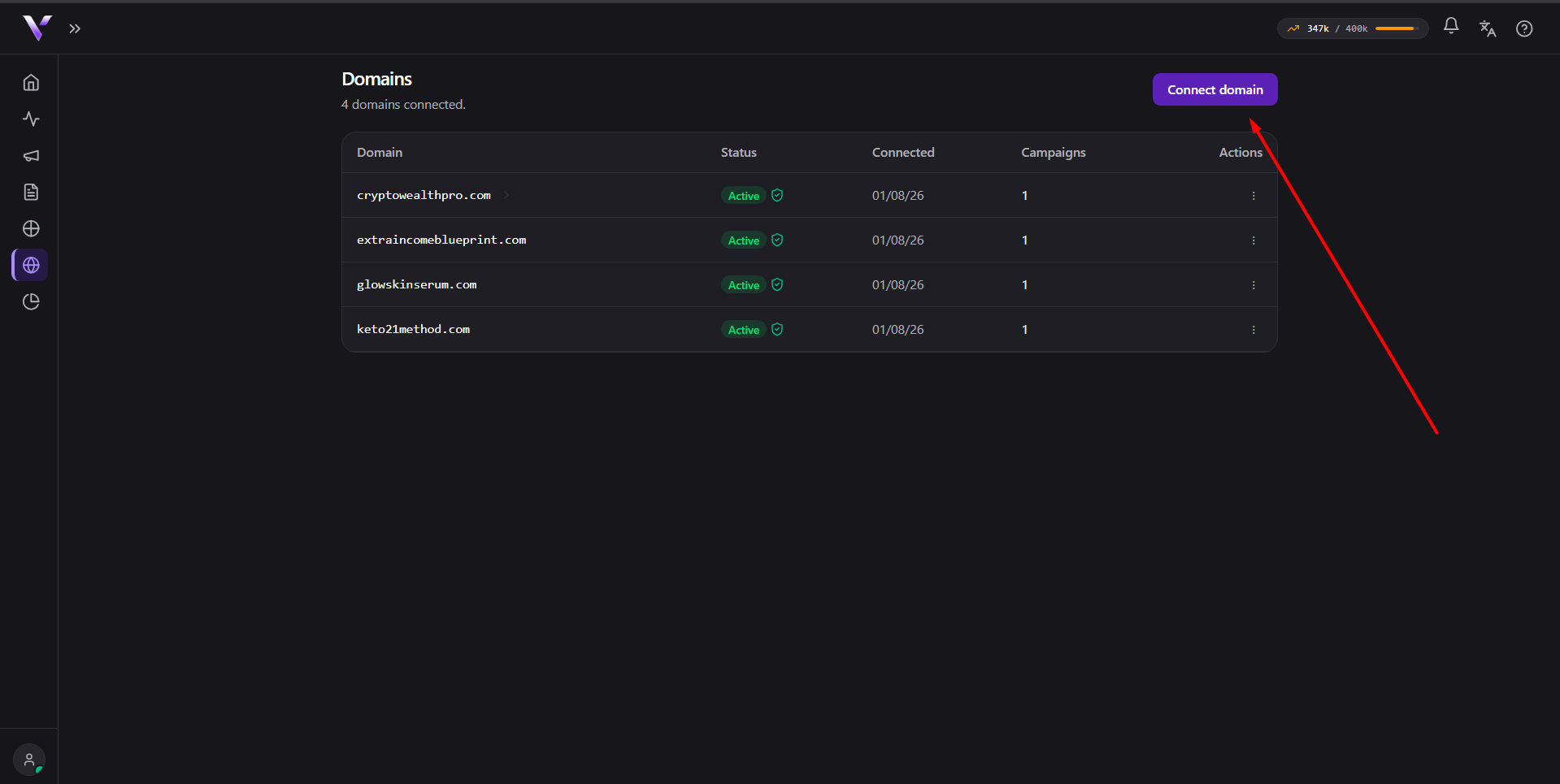
As soon as confirmation happens, the panel already unlocks Create campaign and Create page. You don't need to wait for the status to become Active to set up the rest.
SSL (the padlock / HTTPS)
The SSL certificate is issued automatically during activation; you don't need to buy or install anything. Only in rare cases, when automatic validation doesn't complete, does the panel show manual records under SSL certificate for you to create at your DNS provider.
How long to wait
It usually takes from a few minutes to a few hours, depending on your registrar's propagation. The panel updates on its own; you don't need to stay on the page.
Common issues
- "We've been waiting for the change for a while. Check that you changed ALL the nameservers in your registrar (not just one of them)." Shows up when the domain stays Pending longer than expected. Check at your registrar that all the nameservers were changed.
- "We've been waiting for propagation for a while. Check that you changed ALL the nameservers (and that DNSSEC is disabled in the registrar)." Shows up after confirming the change, if propagation takes longer than expected. Besides checking the nameservers, disable DNSSEC at the registrar if it's enabled.
- Domain shows a warning again after already being Active. See Domain stopped pointing.
Protect your campaigns with Vellar
Build the page and choose how to publish it: protected for paid traffic, or open for anything else.
See how it works