
Help center / Account & Security
Notifications
Which e-mails Vellar sends you.
This tab shows which e-mails Vellar sends to your address. Open your avatar menu, go to Settings and choose the Notifications tab.
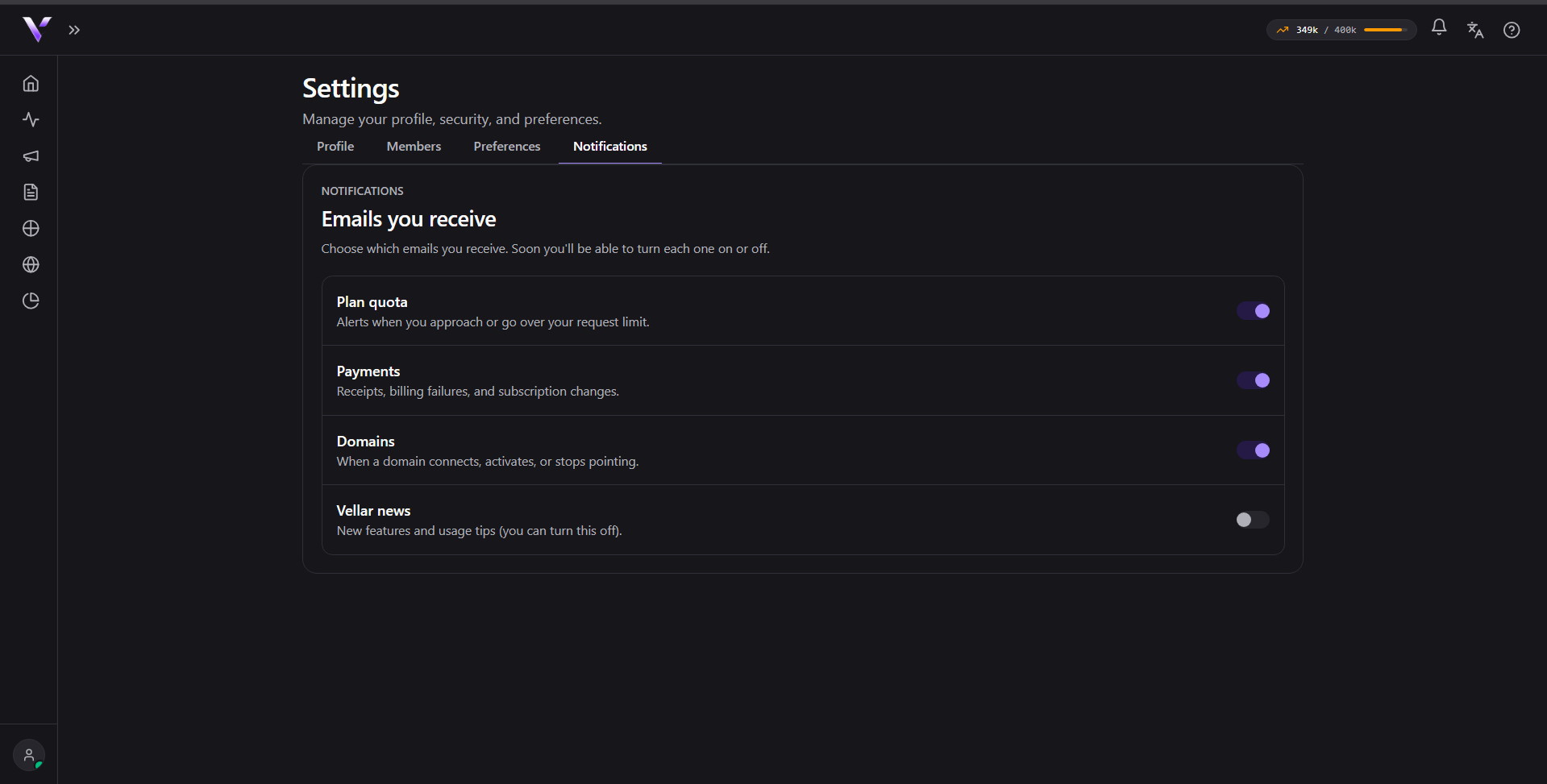
What each one covers
- Plan quota: alerts when you approach or go over your request limit.
- Payments: receipts, billing failures and subscription changes.
- Domains: when a domain connects, activates or stops pointing.
- Vellar news: new features and usage tips.
Turning them on and off
Not yet. The switches show the current state, but they are not clickable yet: choosing e-mail by e-mail is coming. Until then, the operational messages (quota, payments and domains) keep coming, and they are the ones that protect your campaigns: a domain that stops pointing takes your pages offline.
Common issues
- The switch does not respond. That is expected for now: it shows the state, the choice is still coming.
- I am not getting any e-mail. Check the spam folder and confirm the address on the Profile tab is the right one.
- I want to change the address that receives them. It is the e-mail of your account. Change it on the Profile tab.
Protect your campaigns with Vellar
Build the page and choose how to publish it: protected for paid traffic, or open for anything else.
See how it works