
Help center / Account & Security
Team members
Invite people and set what they can do.
You can bring other people into your workspace instead of sharing your password. Each person gets their own login, and you decide what they can do.
Open your avatar menu at the bottom of the side menu, go to Settings and choose the Members tab.
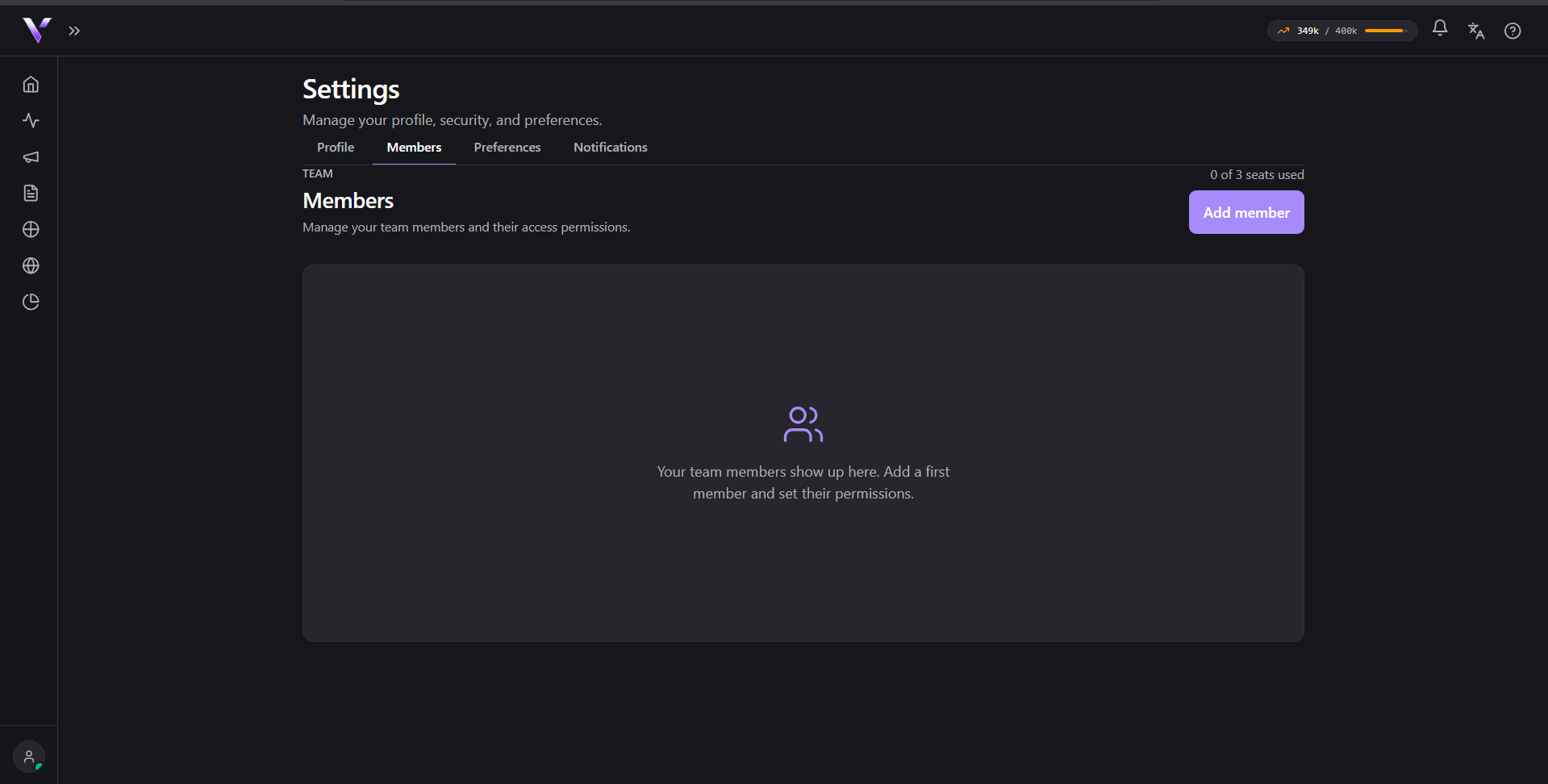
Inviting someone
Click Add member, fill in the name and the e-mail, and pick the permission level. The person receives an e-mail invitation and creates their own password.
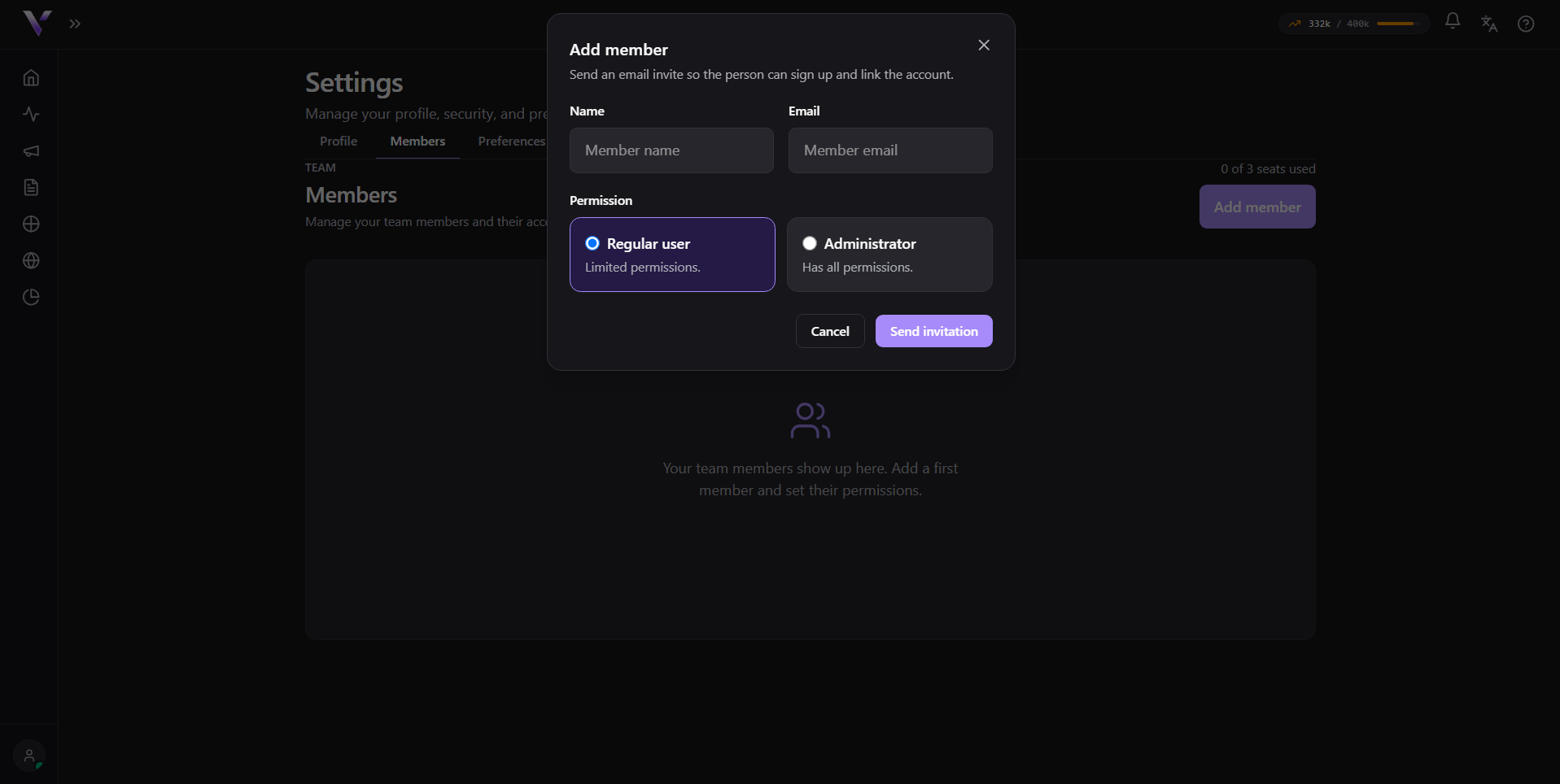
- Regular user: limited permissions, day-to-day work.
- Administrator: has all permissions.
Seats
The counter at the top right shows how many seats you are using. The number of seats comes from your plan:
- Starter: 1
- Growth: 2
- Scale: 3
- Enterprise: 5
- Unlimited: no limit
The seats are for the people you invite: the account owner does not take one. To bring in more people than your plan allows, upgrade the plan.
Common issues
- The invitation did not arrive. Ask the person to check the spam folder. The invitation goes to the exact address you typed, so a typo sends it nowhere.
- "No seats left". You reached your plan's limit. Remove someone who no longer needs access, or move up a plan.
- I removed a person and they still had the screen open. Access is revoked immediately; the next action they try will ask for login.
Protect your campaigns with Vellar
Build the page and choose how to publish it: protected for paid traffic, or open for anything else.
See how it works