
White and Black
The two page roles, from the point of view of whoever builds the campaign.
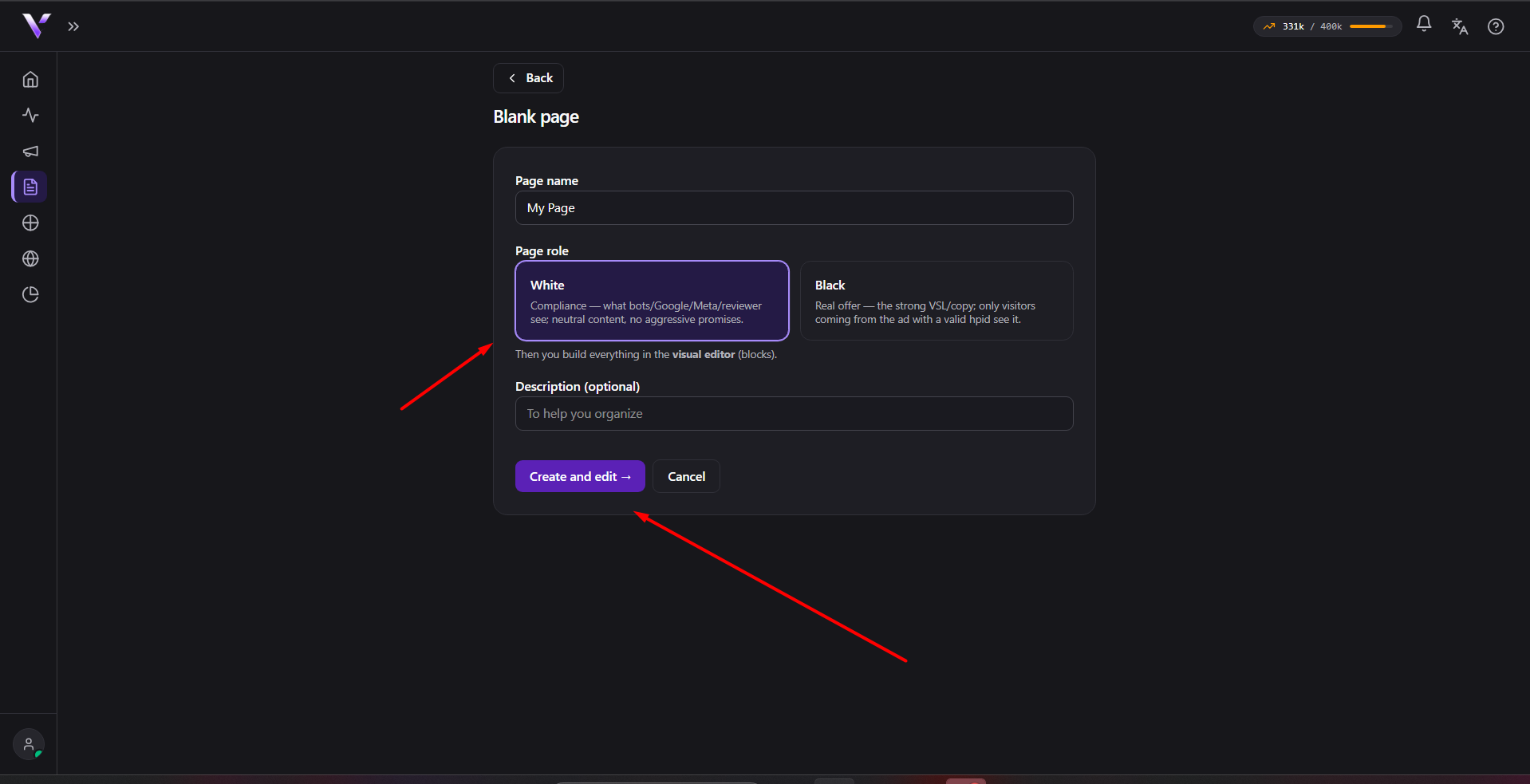
When you build a campaign you work with two page roles. They describe what each page contains, not how the system decides which one to serve.
White: the safe page
It's the presentation page: neutral content, no aggressive promises. It's what you use as the campaign's cover. Every campaign needs a White.
Black: the real offer
It's your actual offer: the VSL, the strong copy, the buy button. It's the destination you want the right audience from your ad to see. Every campaign (other than an A/B test, which uses Black variants) links one Black.
Where you pick them
White and Black are selected in the campaign form, in the Pages block: a White selector and a Black selector, each listing the already published pages of that type.
Only published pages show up in the selectors. See Create a page and Publish and Trash.
Summary: you prepare the content of each role; Vellar takes care of serving the appropriate page on each visit according to the rules you set in the campaign.
Common issues
- The White or Black selector is empty. Only published pages of the right type show up in the list. Publish the page first in Publish and Trash.
- "Select the campaign's black page." Outside an A/B test, the Black is required; without it the form won't save.
Protect your campaigns with Vellar
Build the page and choose how to publish it: protected for paid traffic, or open for anything else.
See how it works