
A/B test
How to create offer variants and read the result.
An A/B test splits the traffic that would reach the offer between two or more Black pages, so you can compare which one converts better.
Create
In Campaigns, choose New A/B test. The form is the same as a regular campaign, but instead of a single Black you provide black variants:
- Add 2 or more Black pages; click + variant to add more rows.
- Set the weight of each one: traffic is split proportionally to the weight. Equal weights split the traffic evenly.
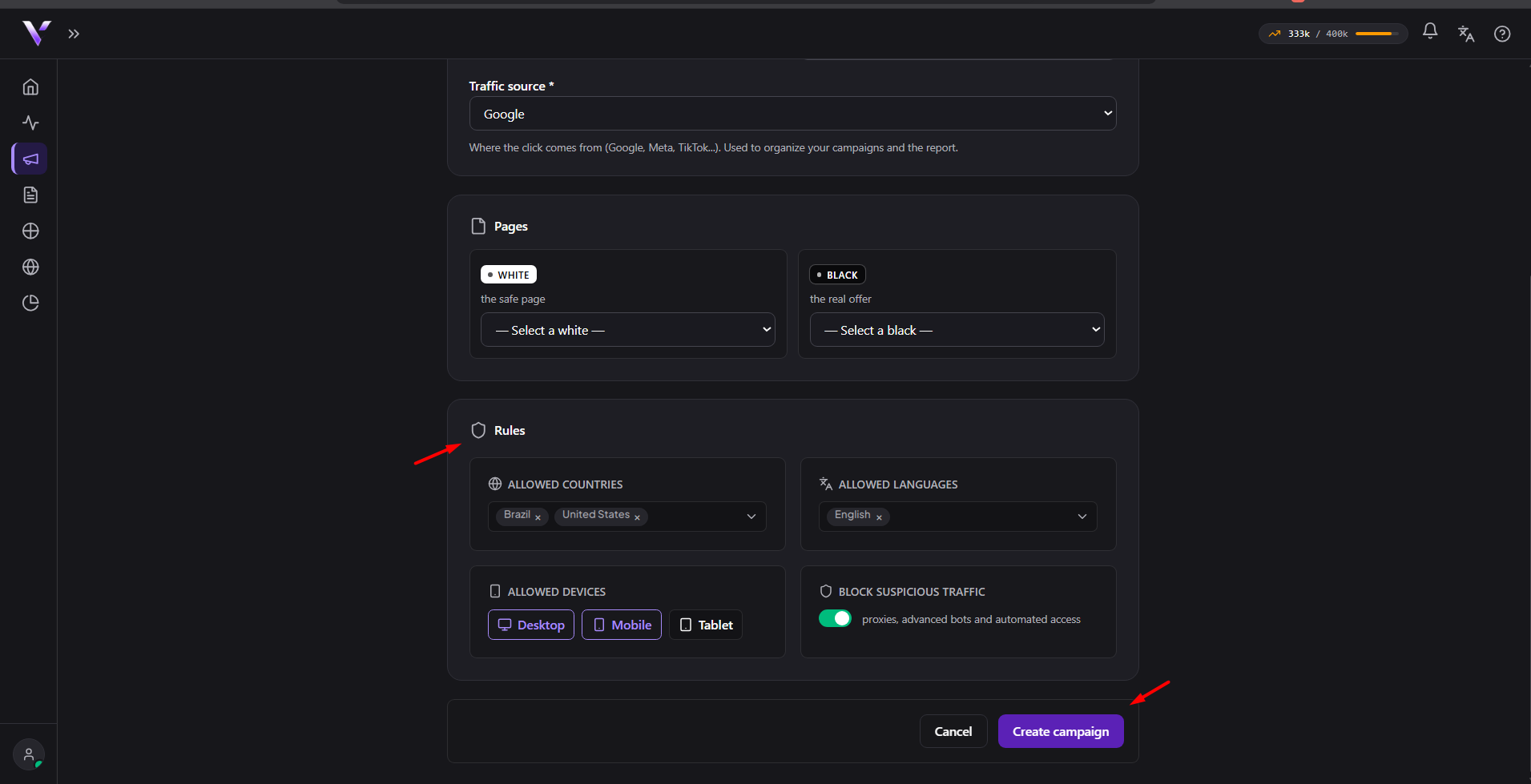
The rest (domain, White, rules) works just like a normal campaign; see Create a campaign. An existing campaign can also become an A/B test: open A/B test on the campaign's detail page and use Turn into an A/B test.
Read the result
On the campaign's A/B test screen (and in Metrics), you track each variant's Impressions and how they perform against each other. The leading variant gets the Leader badge. Adjust the weights at any time with Save weights, or Pause/Resume the whole test.
Wrap up
Pick the winning variant and click Finish and promote. After confirming ("Finish the test and promote the winner?"), traffic then goes 100% to it and the test ends. Let the test run long enough to accumulate data before deciding.
Common issues
- "An A/B test needs at least 2 variants." Add at least 2 different Black pages before saving.
- "At least one variant needs a weight greater than zero." All variants set to weight 0 block saving; give at least one a weight above zero.
- "The variant "..." must be a BLACK page." Only Black-type pages can be a variant; check the page's type in Pages.
- "Weight cannot be negative." Only use numbers from 0 up in the weight field.
Protect your campaigns with Vellar
Build the page and choose how to publish it: protected for paid traffic, or open for anything else.
See how it works