
Block reasons
The reason labels for stopped traffic and what to do with each one.
When a visit doesn't reach the offer, it appears in the report with a reason label. The Block reasons panel (in Analytics) summarizes those reasons for the period. The note under the card confirms the scope: "About the blocked traffic + bots in the period." The labels show the result of the decision, so you can act on the campaign.
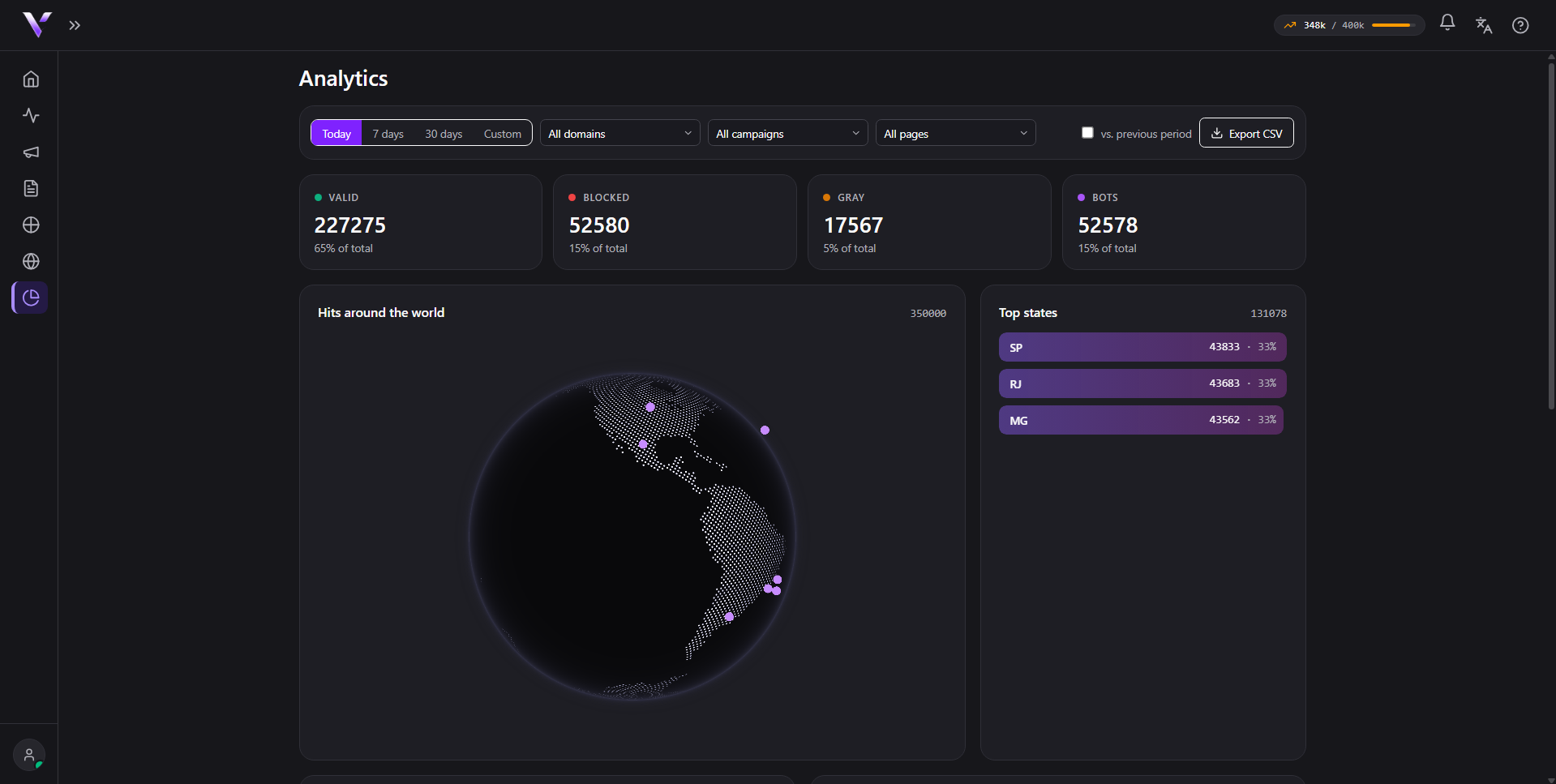
The card only lists traffic that did not get through. Approved visits count in the Valid card, not here (see Reading the metrics).
Actionable reasons
You resolve these by adjusting the campaign:
- Outside allowed countries: the visitor is outside the country list. Review the Allowed countries if you are blocking a legitimate audience.
- Outside allowed languages: browser language outside the list. Adjust the Allowed languages.
- Outside allowed devices: mobile or desktop outside the rule. Adjust the Allowed devices.
- Outside the defined schedule: the visit fell outside the configured time window.
- Campaign paused: the campaign is not active.
- Monthly quota reached: your plan's usage ran out (see Limits and overage).
- Invalid or expired link: the visit didn't come through the campaign's valid link (for example, someone opened the page outside the ad flow).
The first three are adjusted in the campaign form (see Create a campaign).
Suspicious traffic
Automated or untrusted-origin visits appear grouped under a single label, Suspicious traffic. It's the filter doing the work of protecting your offer, so usually there's nothing to do. We don't expose the details of how this detection works.
What to do
If an actionable reason is blocking people who should get through, loosen the corresponding rule in the campaign. If the volume of suspicious traffic is high, it's a sign that the filter is protecting your offer as expected.
Common issues
- I don't see "Approved" in the reasons list. The card only summarizes traffic that didn't get through; approved visits count in the Valid card, not in "Block reasons".
- A reason is grouped as suspicious traffic and I wanted to know exactly what triggered it. That label groups several detection cases on purpose. We don't detail which signal fired, so there's no more information to show behind it.
- "Monthly quota reached" is suddenly blocking everything. The plan's monthly visit limit ran out; check your usage and limits in Limits and overage.
Protect your campaigns with Vellar
Build the page and choose how to publish it: protected for paid traffic, or open for anything else.
See how it works