
Real-Time
Who is on your pages right now.
Real-Time answers one question: who is on your pages right now. It covers a rolling window of the last 30 minutes, so it is where you look right after turning an ad on.
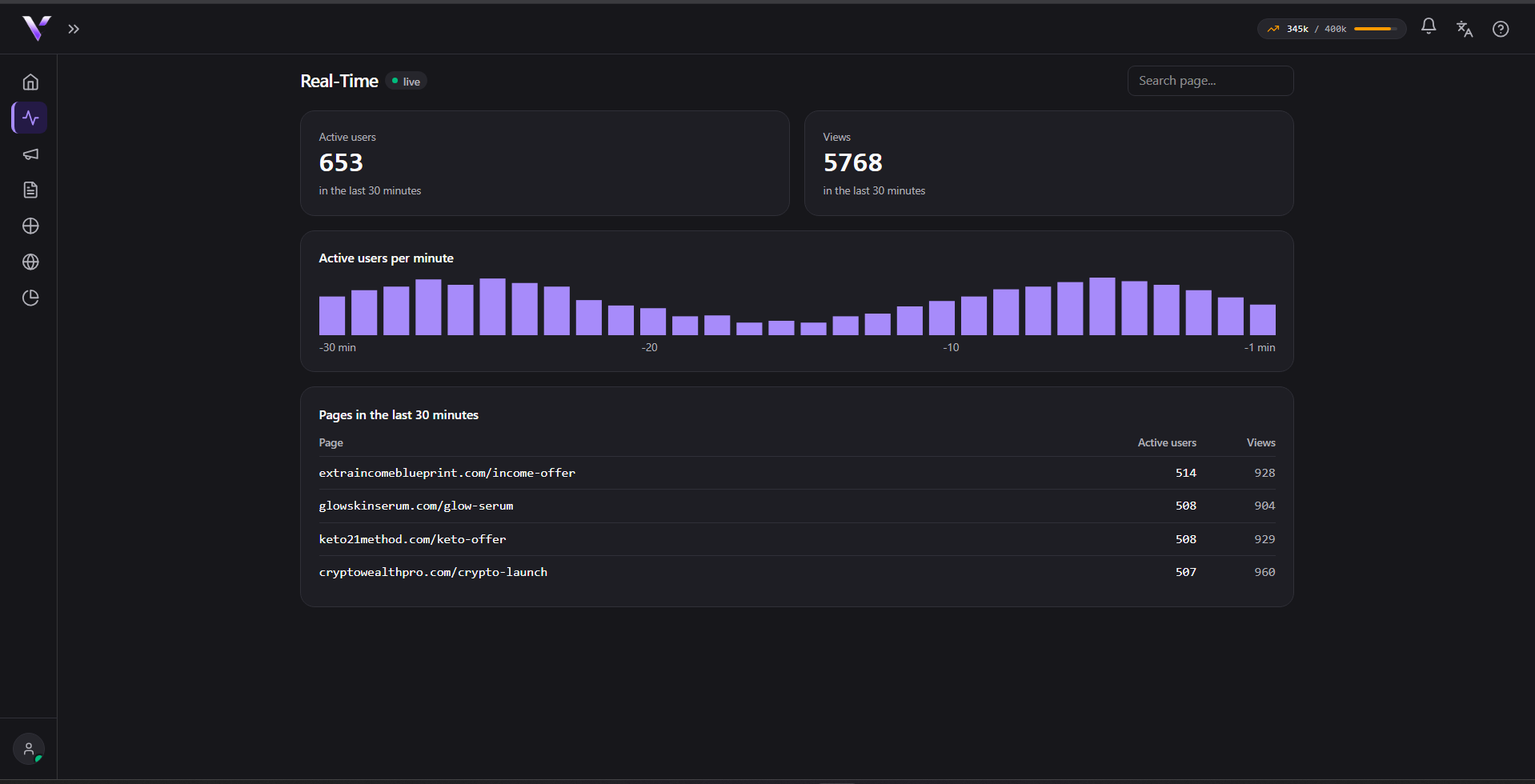
What each number means
- Active users: people on your pages in the last 30 minutes.
- Views: page views in the same window. One person can account for several.
- Active users per minute: the shape of the traffic. A campaign that just went live climbs on the right side of the chart.
- Pages in the last 30 minutes: which addresses are receiving the traffic, with active users and views for each one.
Both campaign Black pages and domain pages show up here.
When to use it
Right after publishing. If you turned an ad on and Real-Time stays at zero for a few minutes, the traffic is not arriving. Check the campaign before spending more budget. For the consolidated report of the day, week or month, use Analytics; Real-Time is only the live window.
Common issues
- It shows zero but my ad is running. The window is 30 minutes and only counts what actually reached your pages. Confirm you copied the campaign URL into the ad, including the suffix.
- Analytics and Real-Time show different numbers. They answer different questions: Real-Time is the last 30 minutes, Analytics is the period you selected. They are not supposed to match.
- A visit appears here but not as a valid visit. Blocked traffic and bots also reach a page, so they can appear in the live window while Analytics classifies them apart.
Protect your campaigns with Vellar
Build the page and choose how to publish it: protected for paid traffic, or open for anything else.
See how it works