
Limits and overage
Each plan's limits and what happens when you exceed the allowance.
Each plan defines a set of workspace limits. You see the ones for your plan in Plans, in the limits block right below the usage card.
What varies by plan
- Requests included per month: the period's allowance of visits (from 25 thousand on Starter to 1 million on Enterprise).
- Overage per request: the reference price for each request above the allowance.
- Domains: how many domains you can connect.
- Collaborators: how many people in the workspace.
- A/B test: how many variants per campaign (not available on Starter).
- Support: the service level (standard, priority, or VIP/Telegram, depending on the plan).
Unlimited campaigns and pages, the full editor with funnels, clone by URL, and Real Time come with every paid plan; what changes from plan to plan is the request allowance, the limits above, and the support level.
When you exceed the allowance
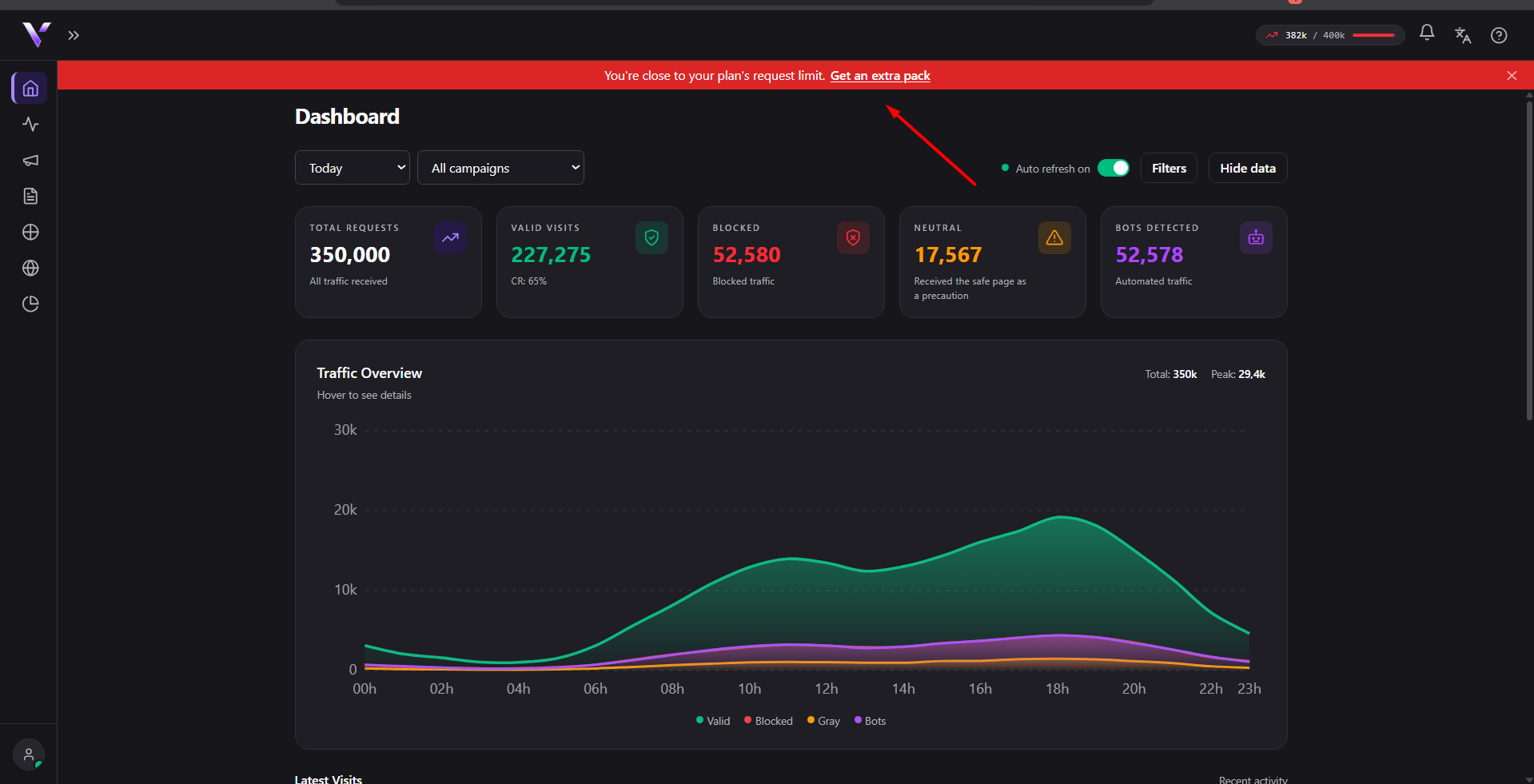
As you approach the limit, the panel warns you: Close to the plan limit. (above 90% usage) or High usage this month. (above 70%). Once you pass the included allowance, traffic beyond the quota stops being served and shows up in the Analytics reports with the reason Monthly quota reached; see Reasons for blocking.
Changing plan
In Plans you compare the available plans, on the Monthly or Annual cycle (annual is cheaper; the page shows your plan's discount). To change plan, see Subscribe and manage your plan.
Common issues
- "Monthly quota reached" blocking traffic. This month's usage passed your plan's allowance; check your usage in How monthly usage is counted and consider changing plan.
- "Plan domain limit reached." You tried to connect more domains than your plan allows. Remove a domain you no longer use or upgrade your plan.
- I don't know how many A/B test variants my plan allows. The number shows up in the limits block, under A/B test; on Starter this feature isn't available.
Protect your campaigns with Vellar
Build the page and choose how to publish it: protected for paid traffic, or open for anything else.
See how it works