
Domain stopped pointing
What "No longer pointing" or "Connection expired" means and how to reconnect.
A domain that was already Active can show a warning again when the pointing is undone on the registrar's side. Two cases show up on the domain detail page:
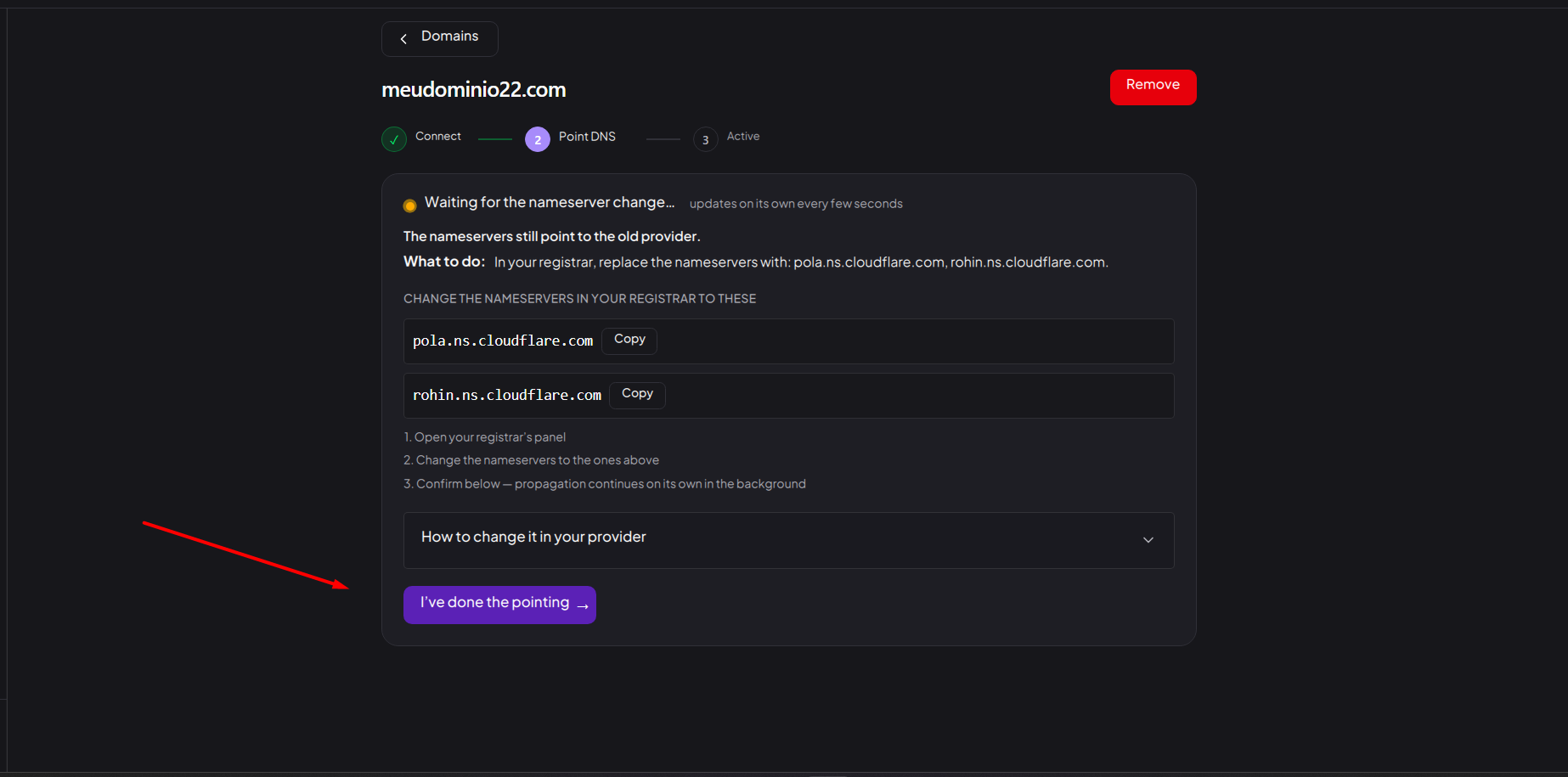
- No longer pointing: the domain's nameservers were changed (or removed) at the registrar and it stopped pointing to Vellar. The campaigns and pages on it go offline until you reconnect.
- Connection expired: the domain went too long without pointing and the connection expired.
How to reconnect
If the domain is No longer pointing:
- Open the domain in Domains.
- Check at your registrar that Vellar's nameservers are still there, exactly as the panel indicates. See Point DNS / nameservers.
- If any was changed, put the correct ones back and save.
- Validation restarts on its own. Wait for the status to return to Active.
If the domain shows Connection expired, re-pointing the nameservers isn't enough: remove the domain and connect it again, as in Connect a domain.
While the domain hasn't returned to Active, avoid running ads that point to it.
Common issues
- "The domain no longer points to our nameservers: its campaigns and pages are offline. Point it back to the nameservers below in your registrar; as soon as the delegation is back, everything reactivates on its own." This is the warning for the No longer pointing case. Just point the nameservers shown in the panel again.
- "The domain went too long without pointing and the connection expired. Re-pointing the nameservers isn't enough in this case: remove the domain and connect it again." This is the warning for the Connection expired case: click Connect again.
- "Can't remove: there is N campaign using this domain. Remove or point that campaign to another domain first." Shows up if you try to remove a domain (for example, to reconnect it from scratch) while a campaign still uses it. Point the campaign to another domain or delete it before removing the domain.
Protect your campaigns with Vellar
Build the page and choose how to publish it: protected for paid traffic, or open for anything else.
See how it works